Anime Yu-Gi-Oh! Card Maker
Cards the way the TV series draws them: all picture, with the stars, attribute, ATK and DEF underneath.
1626 × 2370 px. Drag the picture to move it.
The card from the show, not the one from the pack.
- It changes as you type
- Level, attribute, ATK and DEF are redrawn on the card at once. There is no Generate button and nothing is sent to a server.
- Drag the picture into place
- Drop a picture on the card, drag it, and zoom with the slider. The window is tall, so a portrait picture fits best.
- Fourteen frames
- Normal, Effect, Ritual, Fusion, Synchro, Dark Synchro, Xyz, Link, Spell, Trap, Token and the three Egyptian Gods.
- Turn a real card into its anime version
- Search any official card by name. Its Level, attribute, ATK, DEF and artwork load onto the anime frame.
How to make an anime-style card
- Choose the card type. The panel under the picture takes that frame’s colour.
- Add a picture, then drag and zoom it.
- Pick the attribute and click the Level.
- Type ATK and DEF.
- Download the PNG, or save the card and print it with the others.
What an anime card shows
| Card | Under the picture |
|---|---|
| Monster | Level stars, attribute, ATK box and DEF box |
| Xyz monster | Rank stars instead of Level stars, on a black panel |
| Link monster | Attribute, ATK box and the Link Rating in a red square |
| Spell or Trap | One wide box with the Spell or Trap symbol |
There is no name, type line, effect, set number or passcode.
Pictures that work
The printed card has a square window; this one is nearly the whole card. A picture cropped tight for a printed card will look stretched thin here, so start from one with room above and below the subject. Screenshots from the series are 4:3 or 16:9 and need zooming in until the sides are cut off.
Printing them
Anime-style cards print at the same 59 × 86 mm as any other. Save each one, then use the print sheet on the custom cards page to put nine on a Letter or A4 page. For a card with its full text, switch Style to Printed card or start in the card maker.
Questions
Something else? Email hello@yugiohcardmaker.co.
Read next
All guides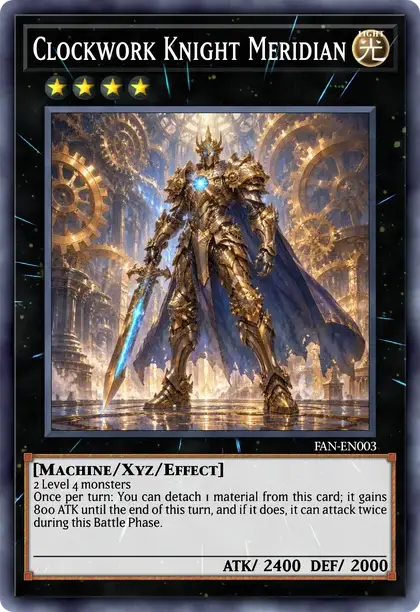
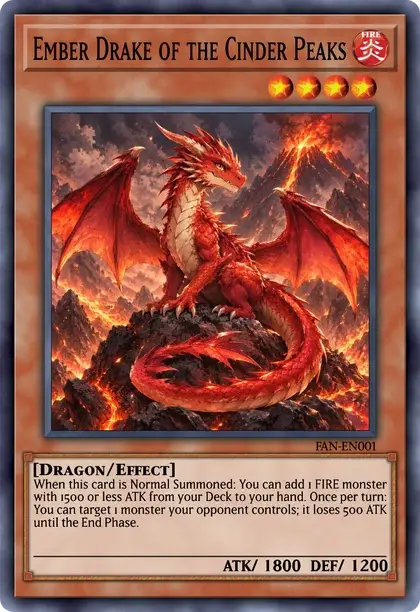
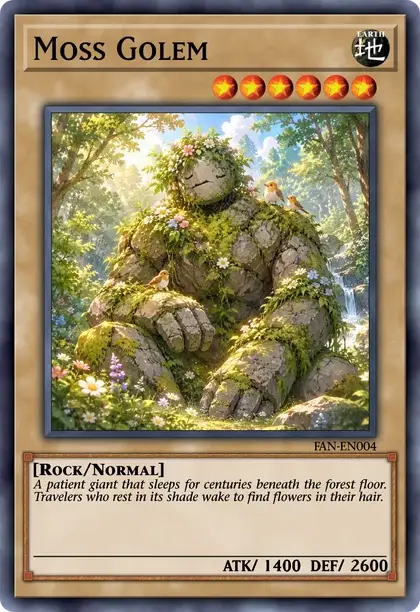
- Yu-Gi-Oh! card makerDesign a card from scratch on any frame.
- Blank card templatesDownload empty frames with a transparent picture window.
- Random card generatorDraw a real card or roll a made-up one.
- Custom cards to printSizes, paper and a nine-card print sheet.
- Token makerMake Tokens with your own picture and print a sheet.
- Proxy makerFind real cards by name and print nine to a sheet at true size.
- YGO Carder alternativeCompare our free browser editor with lauqerm’s original YGO Carder.
- Egyptian God card makerThe blue, red and yellow God frames with your own picture.
- Meme makerPaste a picture onto a Trap card and type the joke.
- Deck builderBuild a deck from every official card and save it as .ydk.
- Pack simulatorOpen packs from 240 real sets and see what you pull.
- Card price checkerLook up what a card sells for, printing by printing.
- Archetype listEvery archetype from A to Z, with its cards.