Yu-Gi-Oh! Deck Builder
Search every official card, click to add it, and save the deck as a .ydk file. No account.
Type two letters or more, then click a card to add it.
Main Deck 0 / 40 to 60
Extra Deck 0 / 15
Side Deck 0 / 15
A deck list in a few minutes.
- Every official card
- Search covers the whole YGOPRODeck database, more than 14,000 cards, by any part of the name.
- It knows where cards go
- Fusion, Synchro, Xyz and Link monsters go to the Extra Deck by themselves. Switch on Add to Side Deck to fill the Side Deck.
- The rules are counted for you
- Main Deck 40 to 60, Extra and Side Deck up to 15, three copies of a card, and the current TCG Forbidden and Limited list, which you can switch off.
- Yours to take away
- Save a .ydk file for EDOPro, Dueling Nexus and other simulators, open one you already have, or copy the list as text. The deck also stays in this browser.
How to build a deck
- Type part of a card name in the search box.
- Click a card to add it. Click it again for a second and third copy.
- Click a card in the deck to take it out.
- Press Draw a hand to see five random cards from the Main Deck.
- Press Save .ydk, or Copy list to paste the deck into a chat.
The deck-building rules
| Part | Cards | What goes in it |
|---|---|---|
| Main Deck | 40 to 60 | Monsters, Spells and Traps you draw from |
| Extra Deck | 0 to 15 | Fusion, Synchro, Xyz and Link monsters |
| Side Deck | 0 to 15 | Cards you can swap in between games of a match |
You can have up to three copies of a card across all three. The rulebook’s own advice is to stay close to the 40-card minimum, because a bigger deck makes it harder to draw your best cards when you need them.
Forbidden, Limited and Semi-Limited
Konami keeps a list of cards that are restricted in official tournaments. Forbidden cards cannot be used, Limited cards are restricted to one copy and Semi-Limited cards to two. With the switch on, the builder marks those cards with the number of copies allowed and stops you at that number. For a kitchen-table deck or an old format, switch it off.
After the deck is built
If the deck needs Tokens, the token maker prints them at card size. For proxies of cards you are still waiting on, the print page lays nine to a sheet, and the price checker shows what the real ones cost.
Questions
Something else? Email hello@yugiohcardmaker.co.
Read next
All guides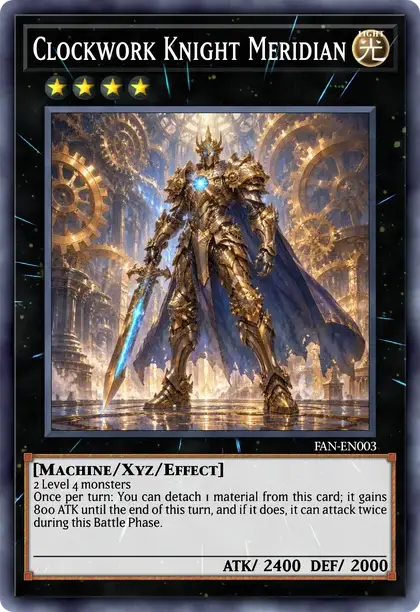
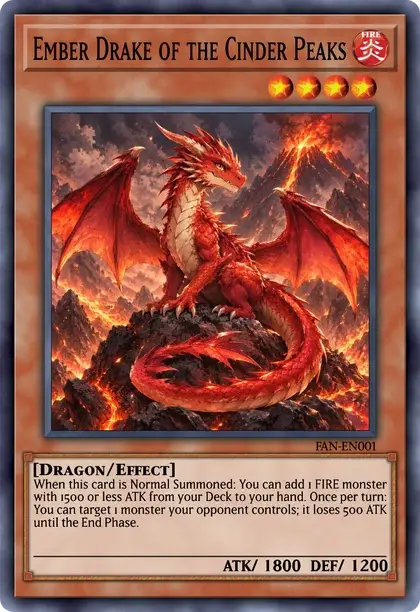
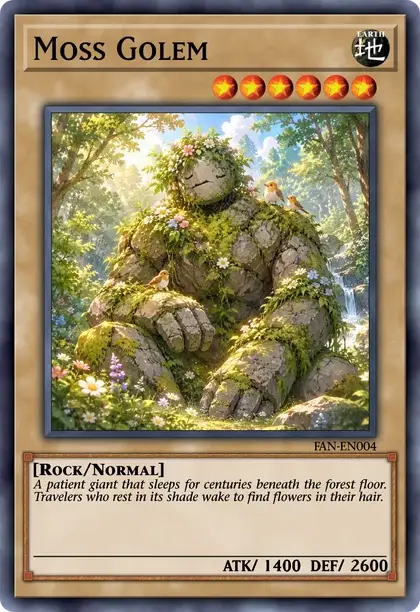
- Yu-Gi-Oh! card makerDesign a card from scratch on any frame.
- Blank card templatesDownload empty frames with a transparent picture window.
- Random card generatorDraw a real card or roll a made-up one.
- Custom cards to printSizes, paper and a nine-card print sheet.
- Token makerMake Tokens with your own picture and print a sheet.
- Proxy makerFind real cards by name and print nine to a sheet at true size.
- Anime card makerCards as the TV series draws them: all picture, stars and ATK/DEF.
- YGO Carder alternativeCompare our free browser editor with lauqerm’s original YGO Carder.
- Egyptian God card makerThe blue, red and yellow God frames with your own picture.
- Meme makerPaste a picture onto a Trap card and type the joke.
- Pack simulatorOpen packs from 240 real sets and see what you pull.
- Card price checkerLook up what a card sells for, printing by printing.
- Archetype listEvery archetype from A to Z, with its cards.